· Customization Guide · 8 min read
How to Prepare Logo Artwork for Custom Pouch Printing
A practical B2B checklist for preparing logo files, colors, placement, size and sample approval before ordering custom pouches with logo printing.
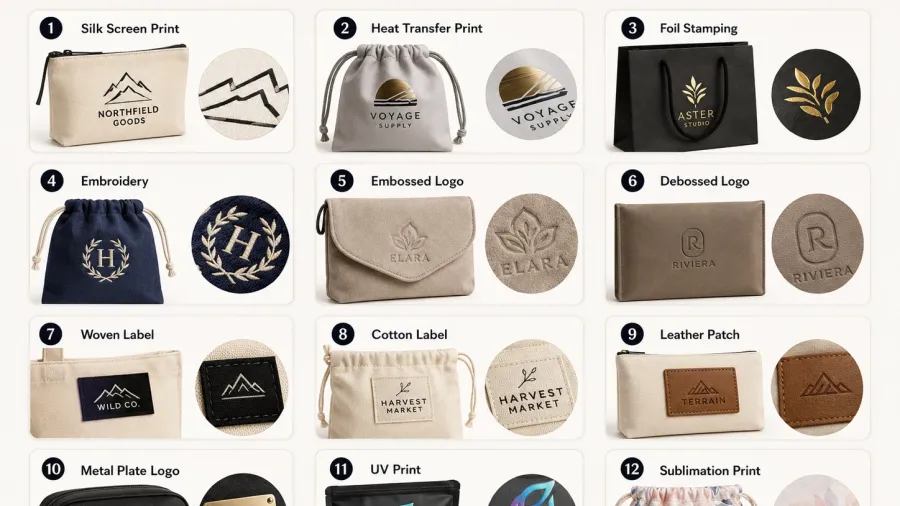
Clear logo artwork helps a packaging supplier quote faster, sample more accurately and reduce avoidable revisions before bulk production. Many custom pouch problems do not start from sewing or material. They start from unclear artwork, missing logo size, wrong file format, uncertain logo color or a placement that does not match the bag structure.
This guide is written for B2B buyers preparing logo artwork for custom pouch printing, including jewelry pouches, velvet bags, microfiber bags, cotton drawstring bags, satin pouches and washable kraft paper bags. Use it before sending an RFQ so your supplier can recommend the right logo method and avoid guessing.
Quick Checklist Before Sending Logo Artwork
For a faster quotation, prepare these details together instead of sending only a logo image:
- Vector logo file: AI, PDF, SVG or EPS if available
- High-resolution PNG only when vector files are not available
- Logo color or Pantone reference
- Bag material: cotton, velvet, microfiber, satin, washable kraft or other fabric
- Finished bag size and logo size
- Logo placement: front center, lower corner, label position or custom area
- Quantity per style and color
- Preferred logo method if already decided
- Reference photo or mockup if the brand has a target look
- Destination market and target delivery date
If the logo will be used across several bag materials, list each material separately. A logo method that works well on cotton may not produce the same result on velvet, satin or microfiber.
1. Send Vector Files Whenever Possible
For most custom packaging projects, vector artwork is the safest starting point. Vector files keep lines, curves and text clear when the logo is resized for different pouch sizes.
Preferred file formats include:
| File Type | Best Use | Buyer Note |
|---|---|---|
| AI | Original logo file and production review | Best when available from your designer |
| Vector logo sharing and approval | Good if text is outlined or fonts are included | |
| SVG | Clean logo shapes and simple graphics | Useful for digital sharing and review |
| EPS | Older vector production format | Still accepted by many factories |
| PNG | Preview or backup file | Should be high resolution with transparent background |
| JPG | Reference only | Not ideal for mold, embroidery or precise printing |
For foil stamping, embroidery, woven labels and small logo printing, vector artwork is especially important because the factory needs to check line thickness, small text and spacing.
Related guide: custom logo printing methods for packaging bags
2. Confirm Logo Size, Not Only Bag Size
Many buyers send the pouch size but forget to mention the actual logo size. This makes quotation and sample preparation slower because a 3 cm logo and an 8 cm logo may require different review steps, especially for foil stamping, embroidery or heat transfer.
When preparing logo artwork, provide:
- Finished bag size: width x height, and depth if relevant
- Logo width and height
- Distance from top edge or drawstring channel
- Whether the logo is centered or offset
- Whether the logo appears on one side or both sides
For small jewelry pouches, the logo area can be limited by the drawstring channel, seam allowance and the product shape inside the pouch. For tote bags or larger cotton bags, the logo area is usually more flexible.
Explore custom jewelry pouches and custom cotton drawstring bags.
3. Match Artwork Detail to the Logo Method
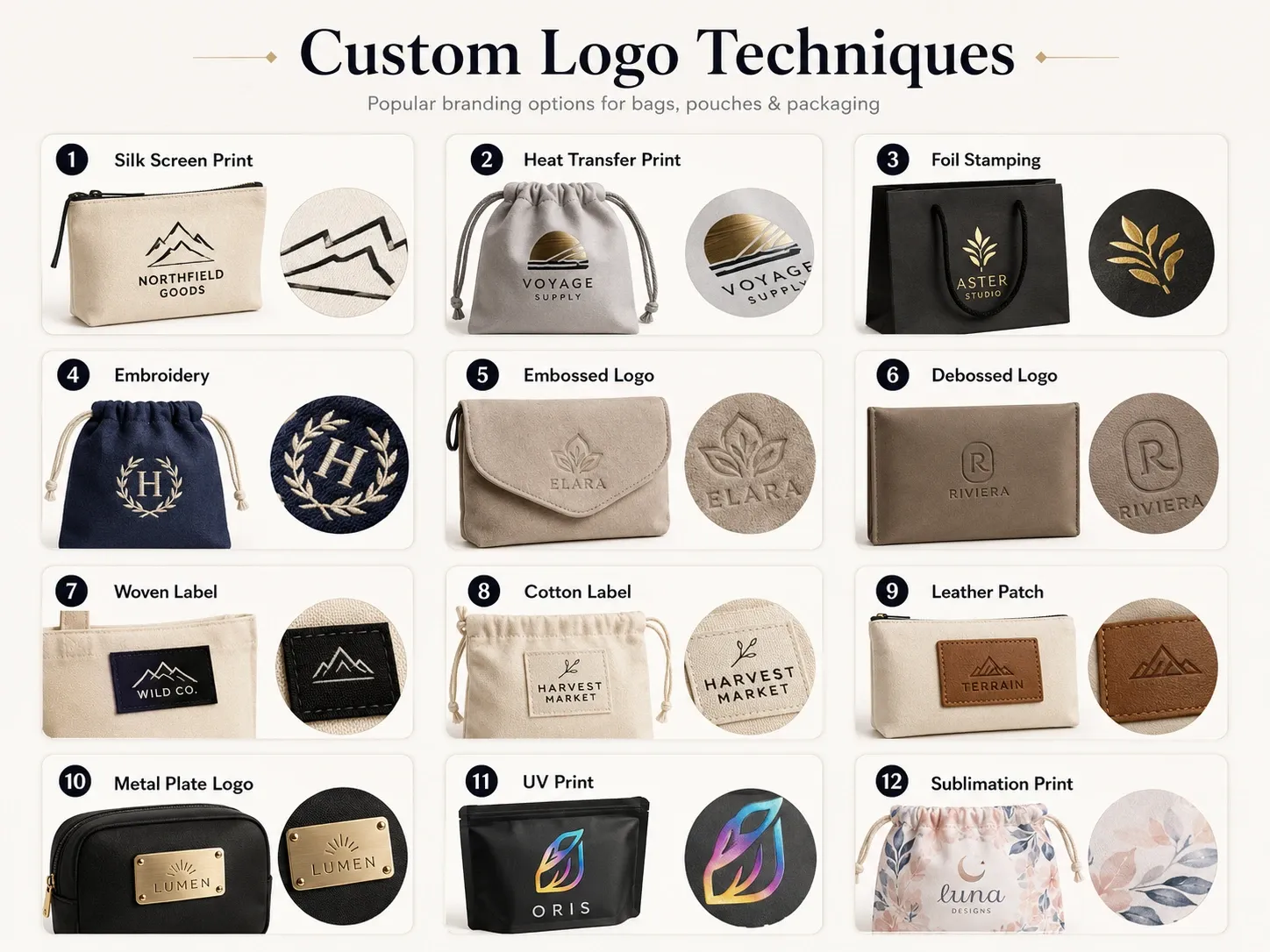
Not every logo method can reproduce every design equally. A clean one-color logo may be suitable for screen printing or foil stamping, while a multi-color gradient may need heat transfer or a woven label.
| Artwork Type | Practical Logo Methods | Notes |
|---|---|---|
| Simple one-color logo | Screen printing, foil stamping, heat transfer | Common for cotton, microfiber, velvet and kraft bags |
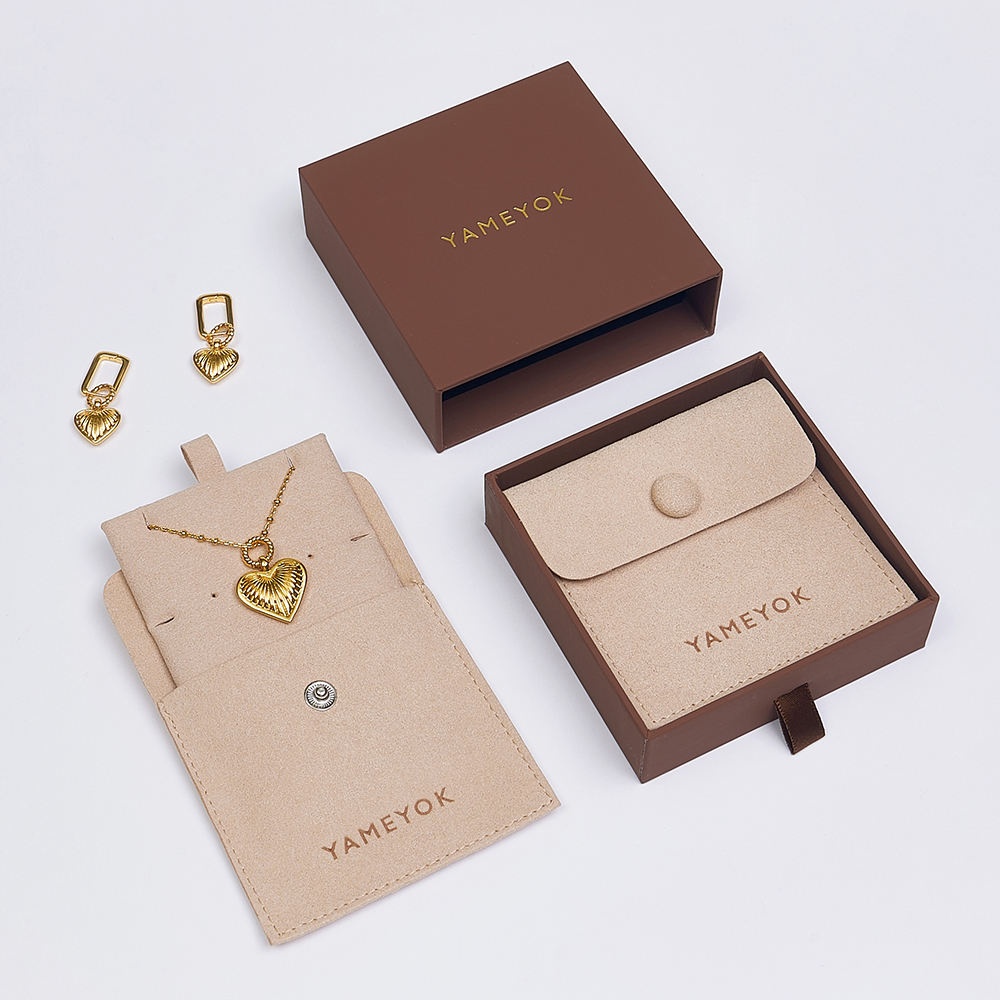
| Metallic luxury logo | Foil stamping, metal plate, woven label | Often used for jewelry pouches and velvet gift bags |
| Fine line artwork | Screen printing, heat transfer, woven label | Needs review if lines are very thin |
| Multi-color design | Heat transfer, sublimation, woven label | Useful for colorful retail or event packaging |
| Crest or emblem | Embroidery, woven label, patch | Better when details are simplified |
| Small text logo | Screen printing, foil, heat transfer | Font size and material surface must be checked |
If your artwork includes gradients, tiny text, outlines or detailed illustrations, send the original file and ask the supplier which logo process is realistic for the material.
4. Check Material Surface Before Choosing Logo Color
Logo color does not appear the same on every material. A white logo on natural cotton may look soft and subtle. The same white logo on dark velvet may look stronger, but the fabric pile can affect clarity. Metallic foil can look premium on velvet and suede-look pouches, but the final result depends on logo size and surface texture.
Common material considerations:
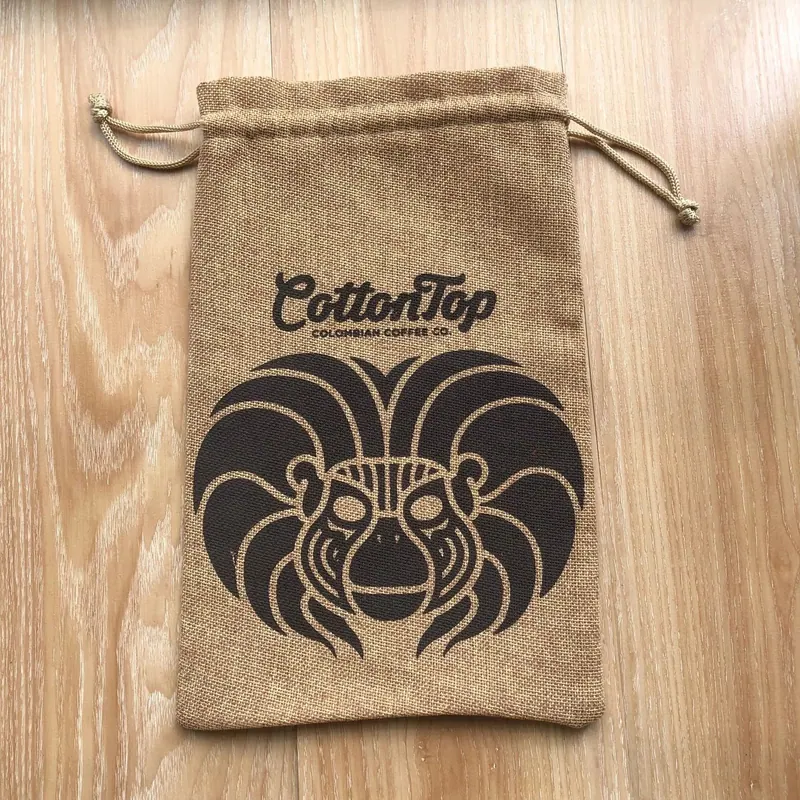
- Cotton and canvas: good for screen printing, embroidery, woven labels and natural brand styles.
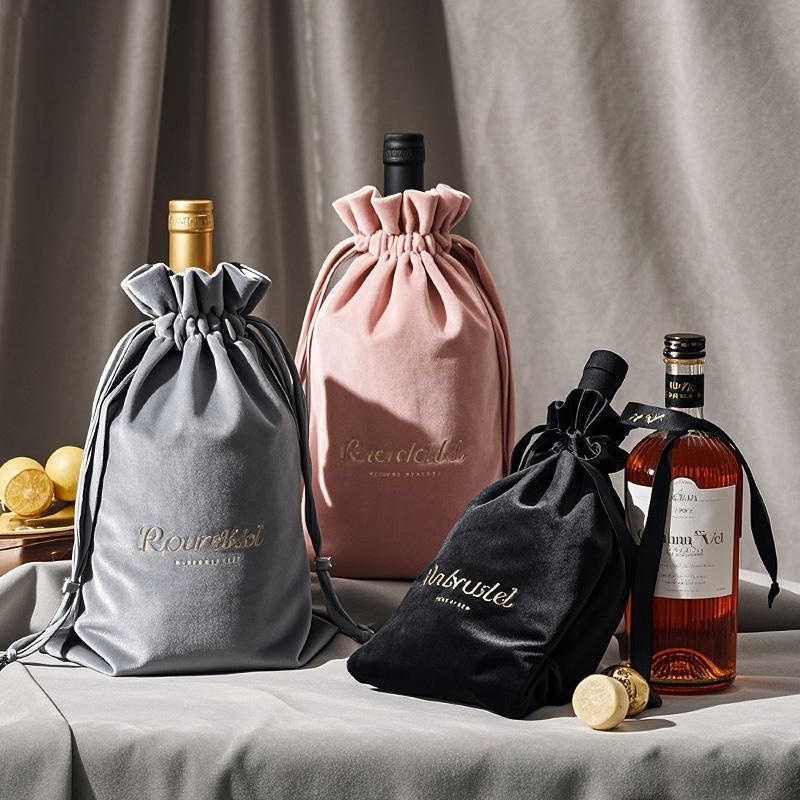
- Velvet: often works well with gold foil, silver foil, embroidery and labels, but small details need review.
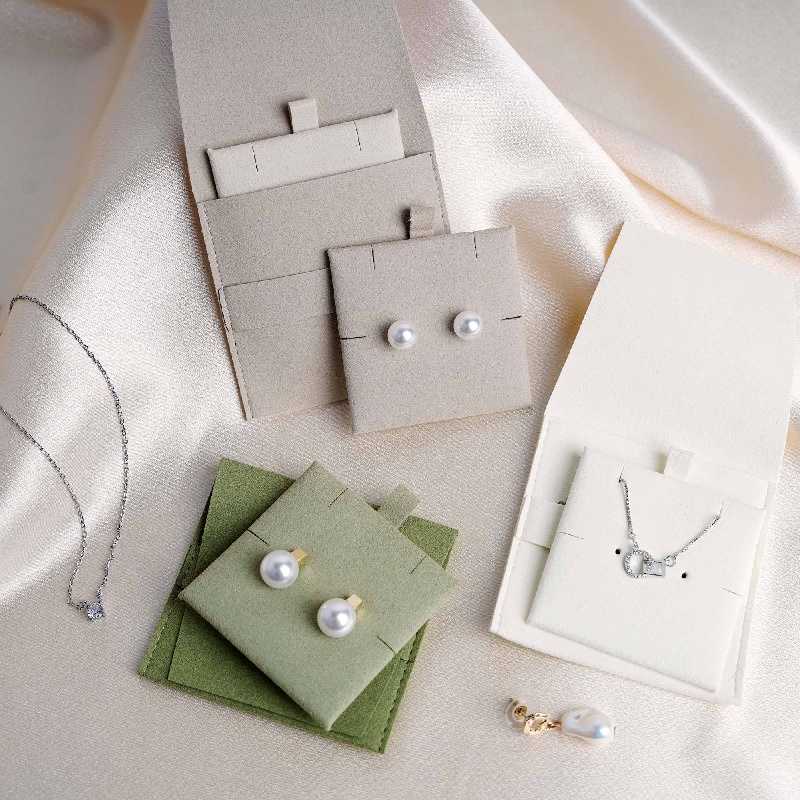
- Microfiber: good for clean screen printing and heat transfer, especially for jewelry, eyewear and watch pouches.
- Satin: smooth and elegant, but wrinkles and reflection can affect how printed details appear.
- Washable kraft: suitable for natural eco packaging; screen printing, labels and tags are common.
If brand color accuracy matters, provide Pantone numbers or physical color references. Screen colors from a computer or phone can be misleading.
5. Prepare a Simple Mockup for Placement
A mockup does not need to be complicated. Even a simple front-view image showing logo position can prevent misunderstandings.
Helpful mockup details include:
- Logo position on the bag
- Logo size in centimeters or inches
- Bag color and drawstring color
- Whether the logo should be printed, stamped, embroidered or labeled
- Any warning area near seams, handle, flap or drawstring
For drawstring pouches, avoid placing the logo too close to the top because the gathered opening can distort the artwork. For flap pouches or envelope pouches, confirm whether the logo should appear on the flap or body panel.
Browse more custom packaging bag styles.
6. Ask for Sample Confirmation Before Bulk Production
A digital mockup helps align expectations, but a physical sample confirms the real material, logo clarity, placement, stitching and hand feel. This is especially important for wholesale jewelry packaging, seasonal retail programs and repeat brand orders.
During sample approval, check:
- Is the logo size correct?
- Is the logo centered or placed as approved?
- Are thin lines and small text clear enough?
- Does the logo color match the agreed reference?
- Does the logo method suit the material?
- Are stitching, drawstring, lining and edge finishing acceptable?
- Does the pouch fit the actual product?
If the sample needs revision, mark the problem clearly with photos and measurements. This helps the factory adjust the next sample or bulk production file accurately.
7. RFQ Template: Logo Artwork for Custom Pouches
You can copy this structure when sending an inquiry:
| RFQ Detail | Example |
|---|---|
| Product | Velvet jewelry drawstring pouch |
| Material | Plush velvet or similar soft-touch fabric |
| Finished Size | 10 x 12 cm |
| Quantity | 1,000 pcs per color |
| Bag Color | Black, ivory and dusty pink |
| Logo File | AI and PDF attached |
| Logo Method | Gold foil stamping, or supplier recommendation |
| Logo Size | 4 cm wide, front center |
| Drawstring | Satin ribbon, matching color |
| Packing | Individual polybag or bulk pack |
| Destination | United States |
| Target Date | Needed before seasonal launch |
The more precise the RFQ, the easier it is to receive a useful quote instead of a broad estimate.
Common Mistakes to Avoid
- Sending only a low-resolution screenshot of the logo
- Forgetting to specify logo size
- Choosing a logo color without considering fabric color
- Placing the logo too close to seams or drawstring channels
- Expecting foil stamping to reproduce very small text
- Using the same artwork file for all materials without review
- Approving bulk production before checking a real sample
These mistakes are common, but they are also easy to avoid when artwork details are prepared early.
FAQ: Custom Pouch Logo Artwork
What file format is best for custom pouch logo printing?
AI, PDF, SVG or EPS vector files are best for production review. High-resolution PNG files can be used for reference, but vector artwork is safer for resizing and checking logo details.
Can a factory create a mockup from my logo?
Yes. A supplier can usually prepare a basic mockup if you provide the bag style, size, material color, logo file and desired placement. A physical sample is still needed before bulk production.
Can small text be printed on velvet or microfiber pouches?
Small text may be possible, but the result depends on the logo method, fabric surface and text size. Vector artwork helps the supplier check whether the text can remain clear.
Do I need Pantone colors for pouch logo printing?
Pantone references are helpful when brand color accuracy is important. If exact color matching is not required, a clear color reference or approved sample may be enough.
Can the same logo be used on cotton, velvet and satin bags?
Yes, but the best logo method may change by material. Cotton may use screen printing, velvet may use foil stamping or embroidery, and satin may need heat transfer or labels.
Need Help Reviewing Your Logo Artwork?
JasunBag supports B2B buyers with logo method advice, material selection, sampling and bulk production for custom pouches and packaging bags. Compare product styles, review our custom packaging services, or send your logo artwork and RFQ details for a focused recommendation.